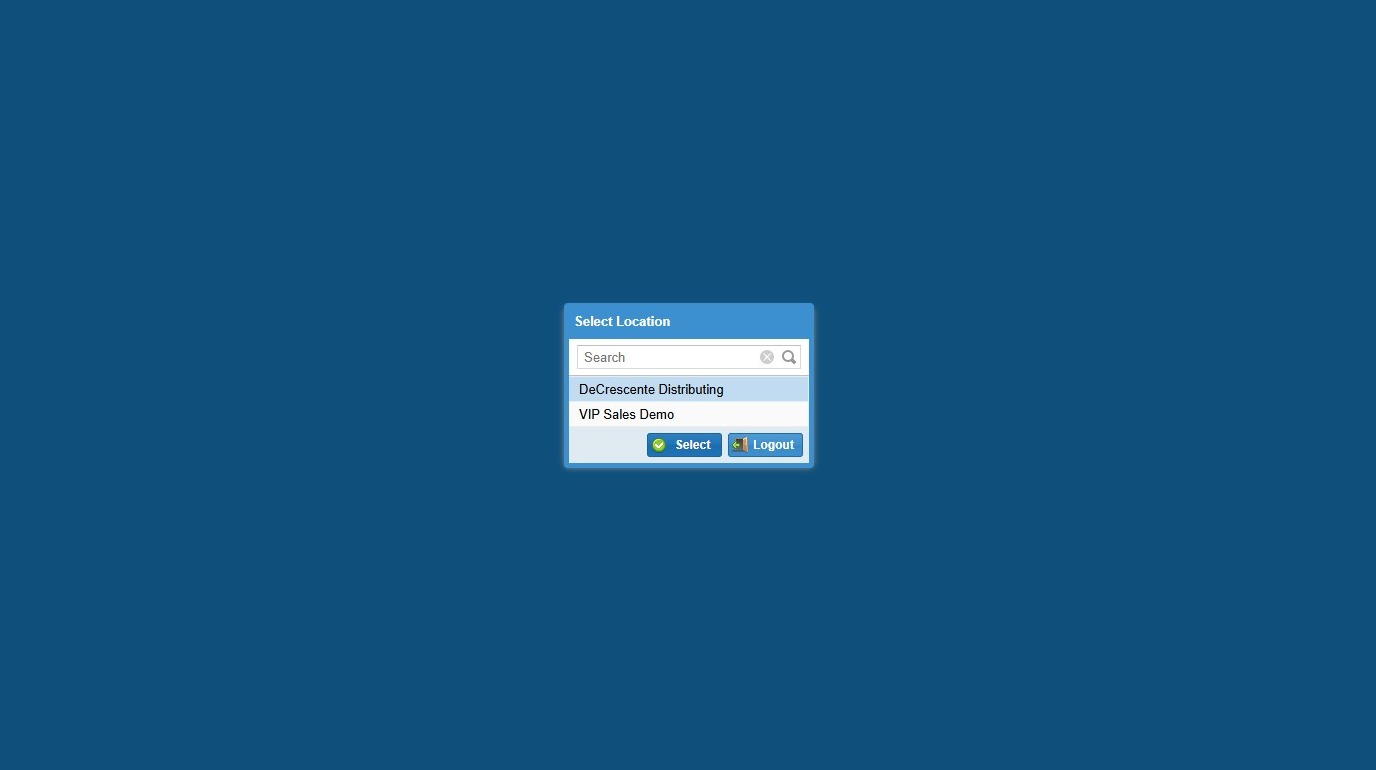
1. Navigate to https://apps.vtinfo.com/core/
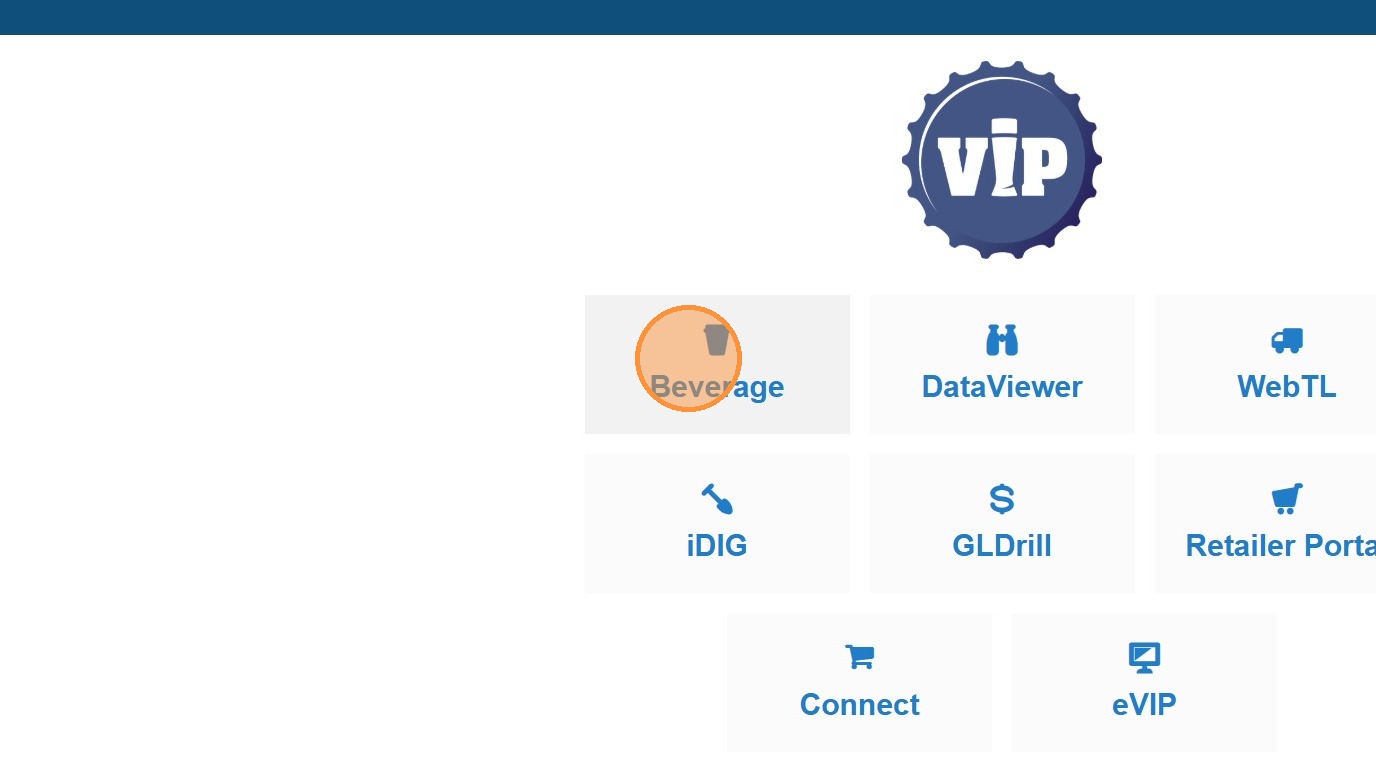
2. Click Beverage
3. Click the "Search..." field.
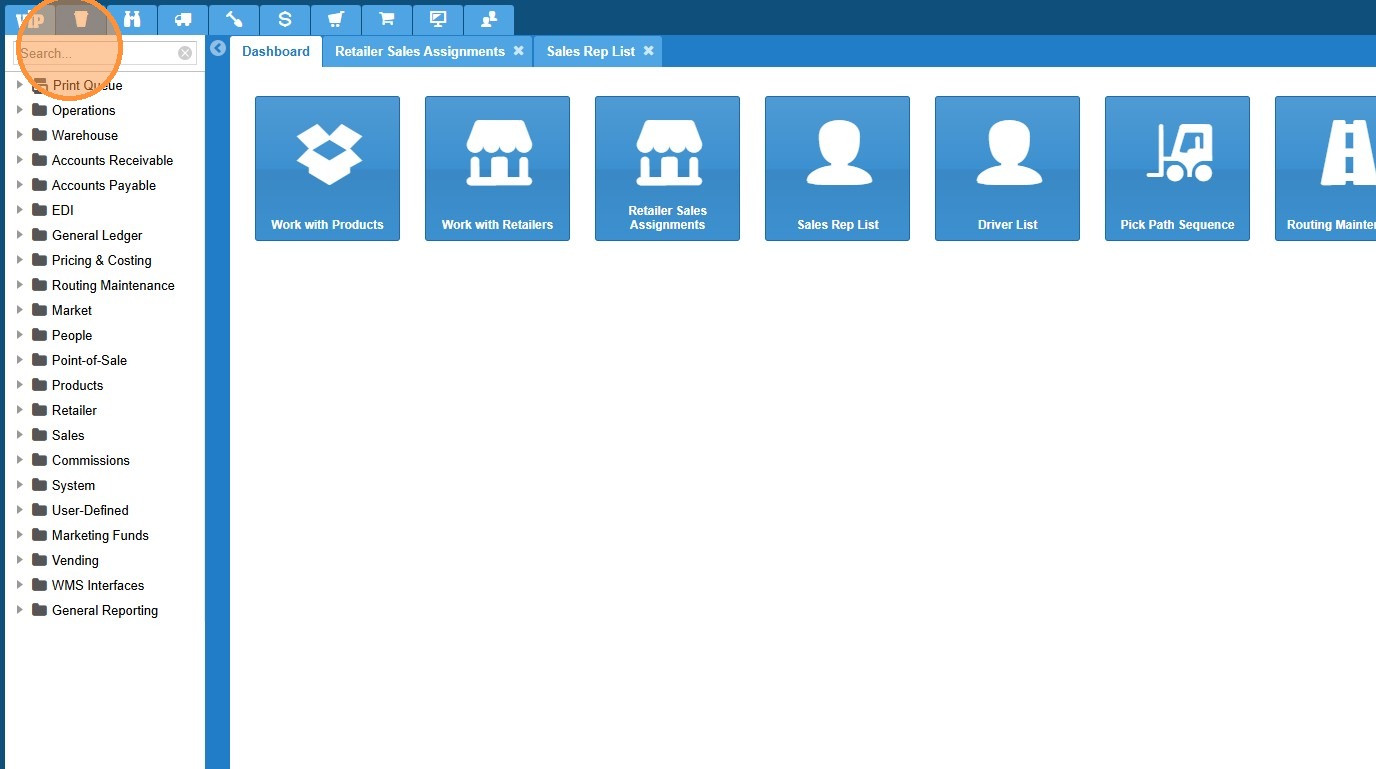
4. Type "Routing Maintenance"
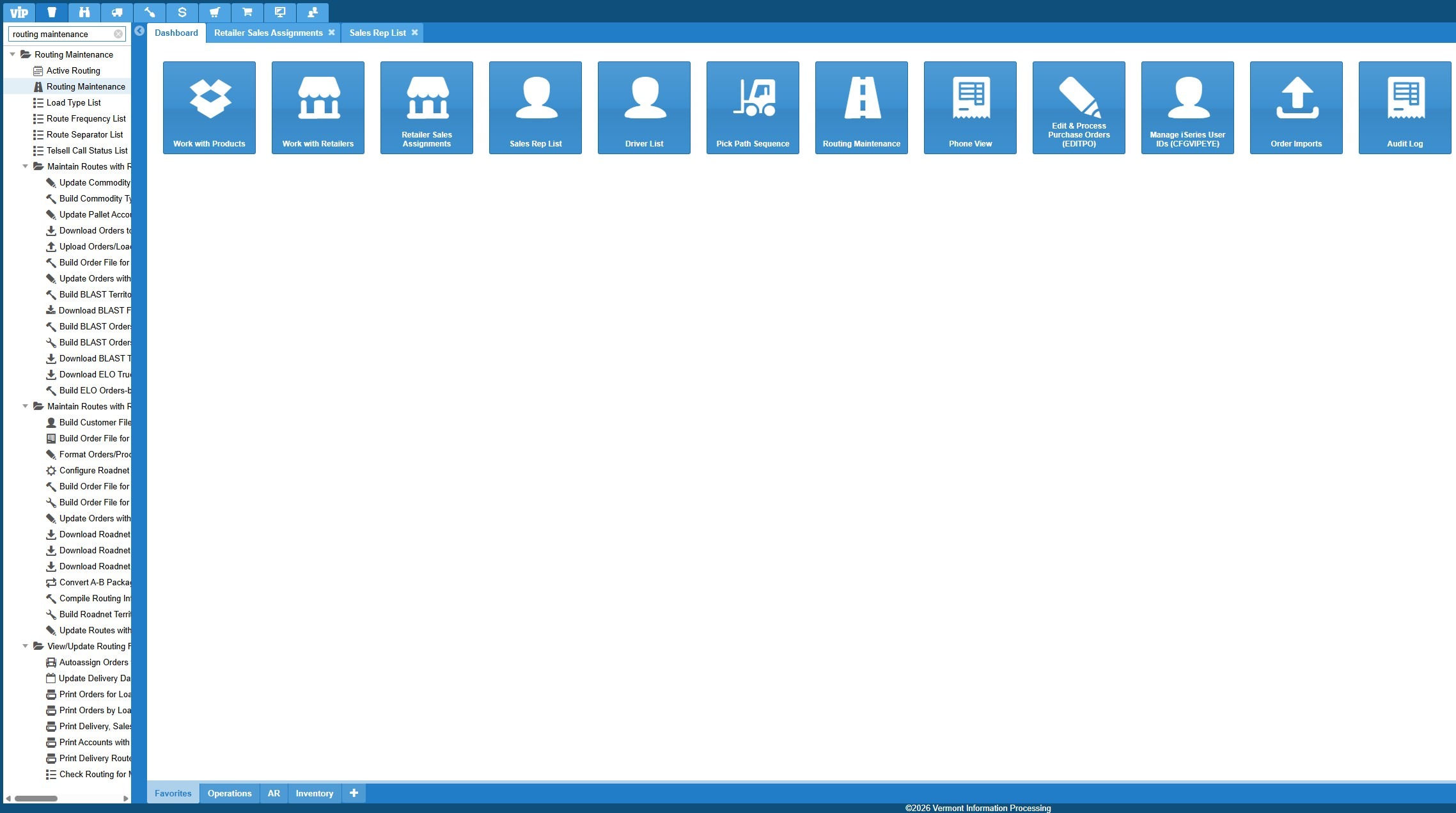
5. Click "Routing Maintenance"
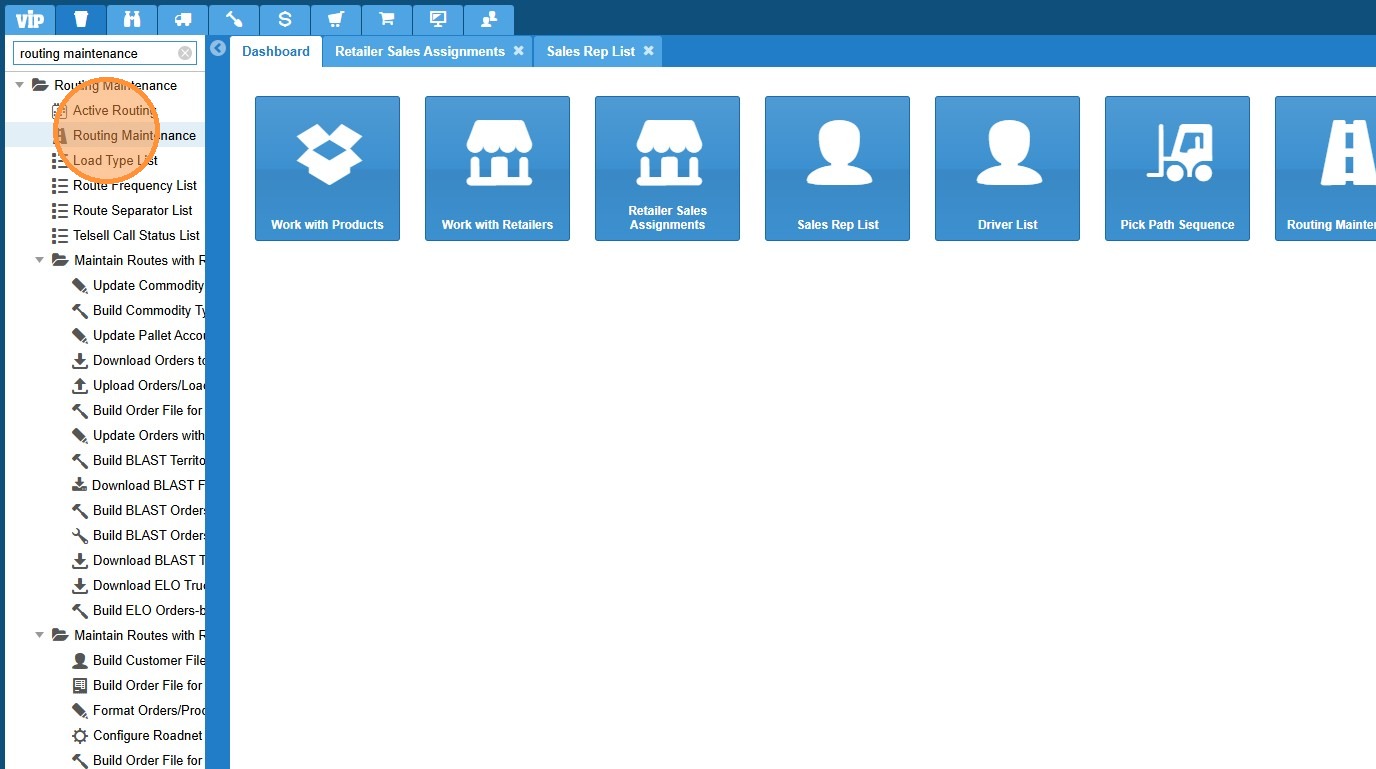
6. Select the desired routing record.
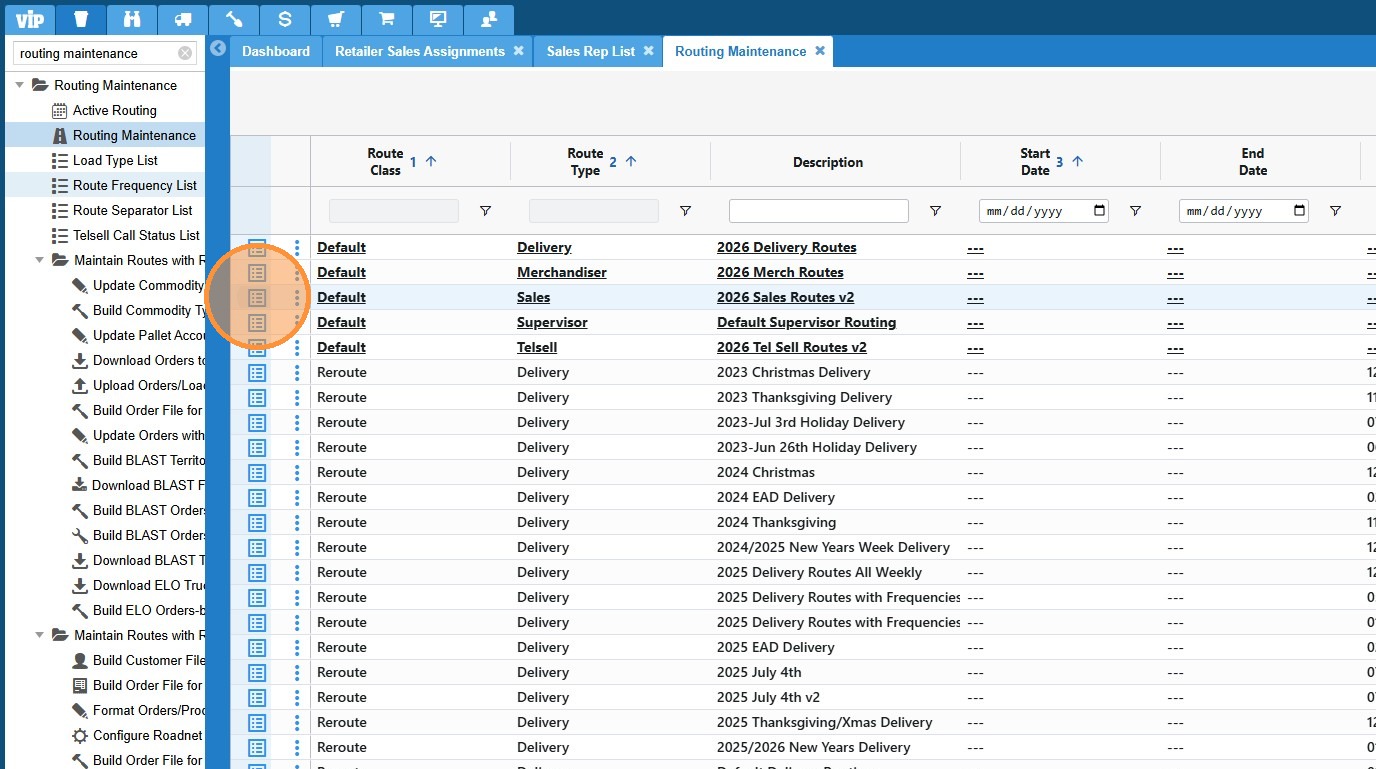
7. To change sequencing use the route planner option on the upper right.
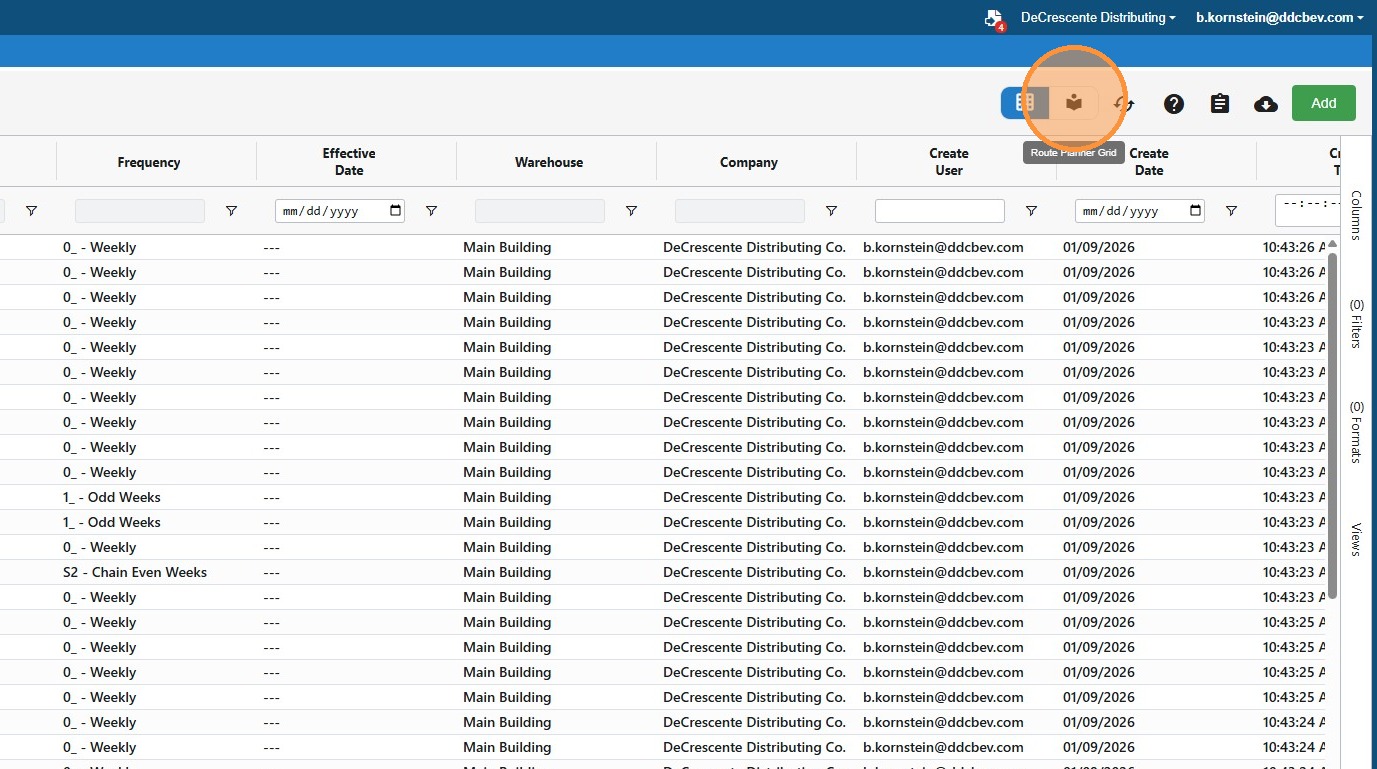
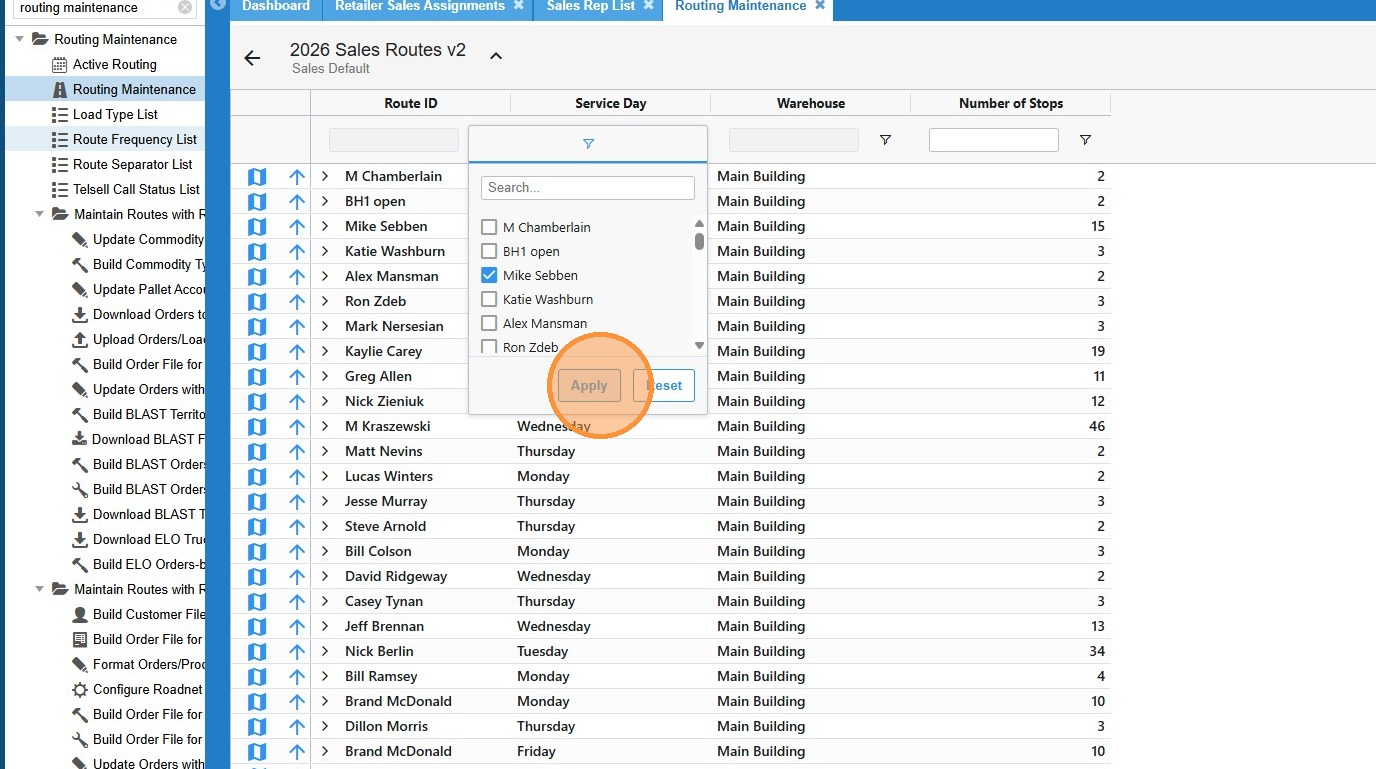
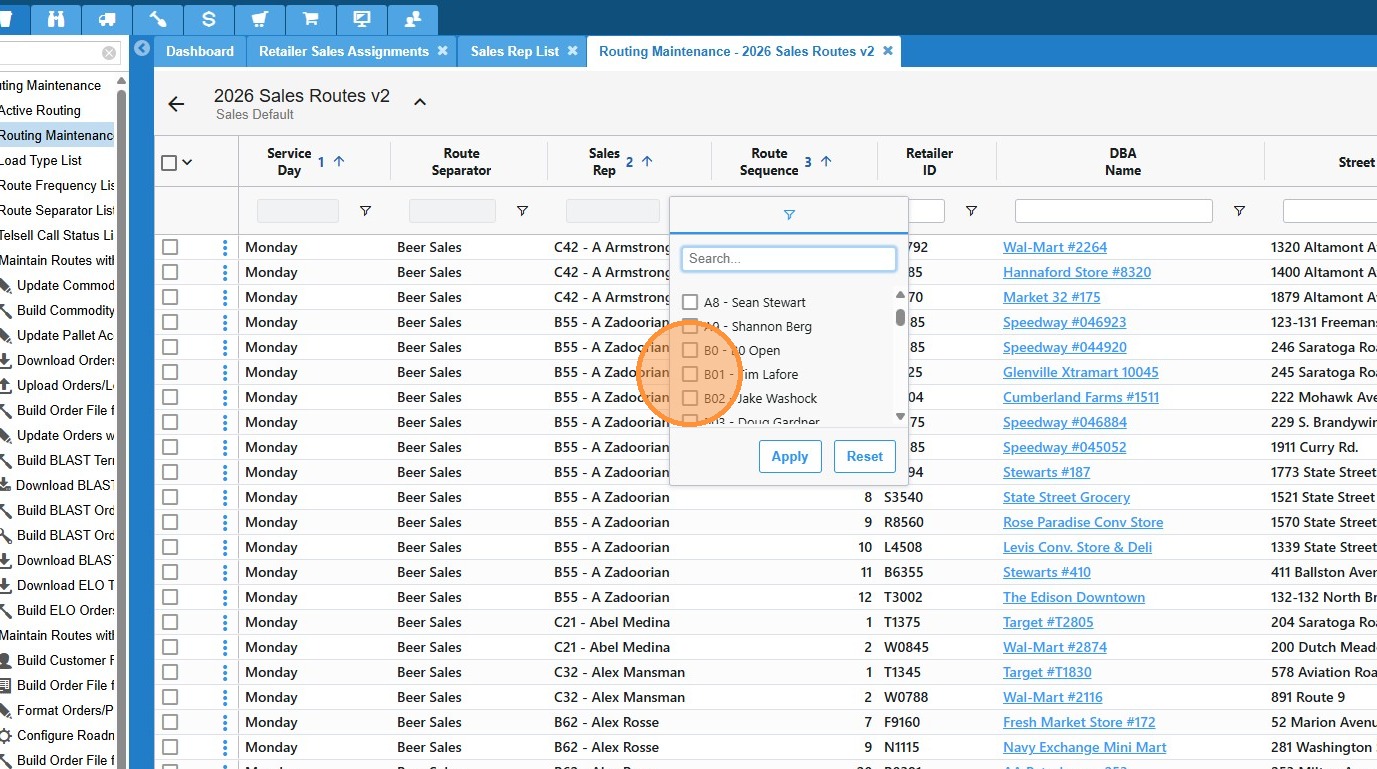
8. Click here to filter on a rep.
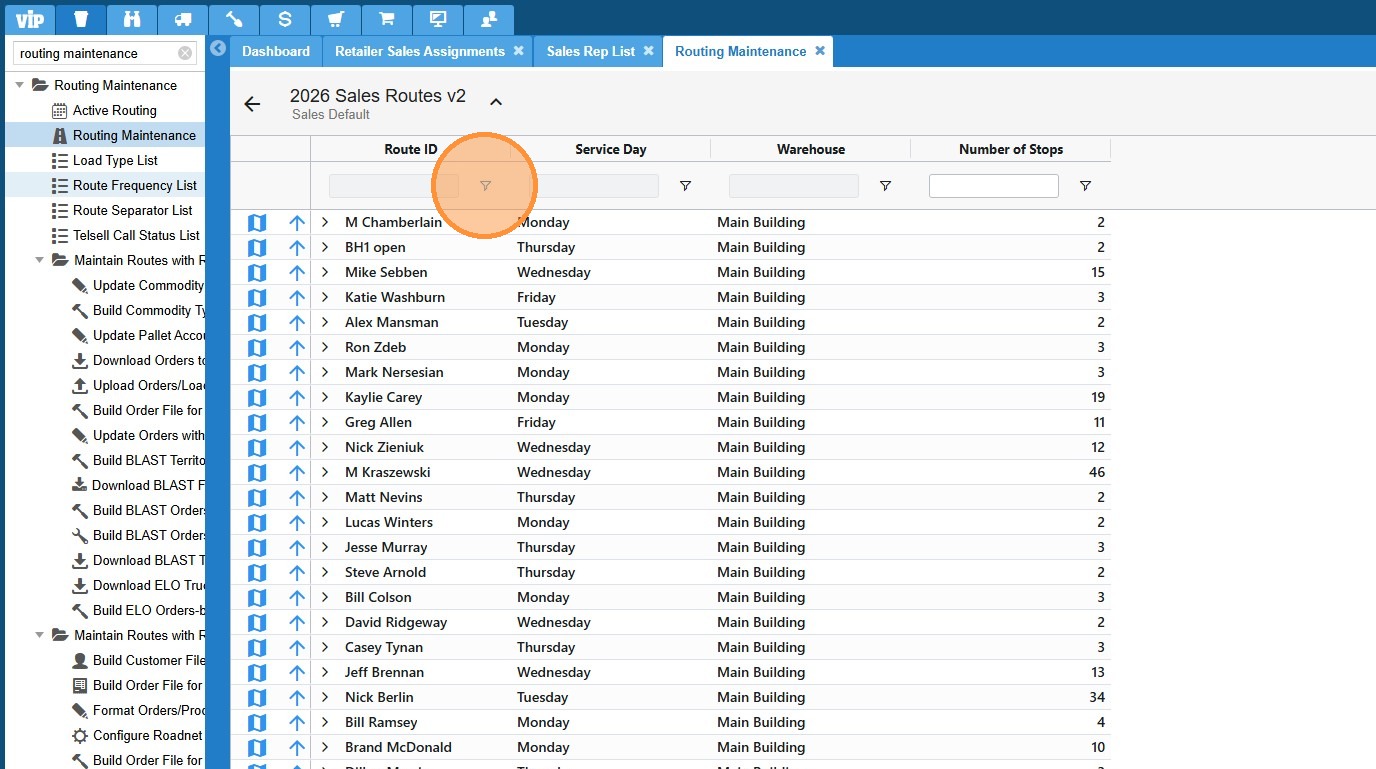
9. Choose the desired rep then click "Apply"
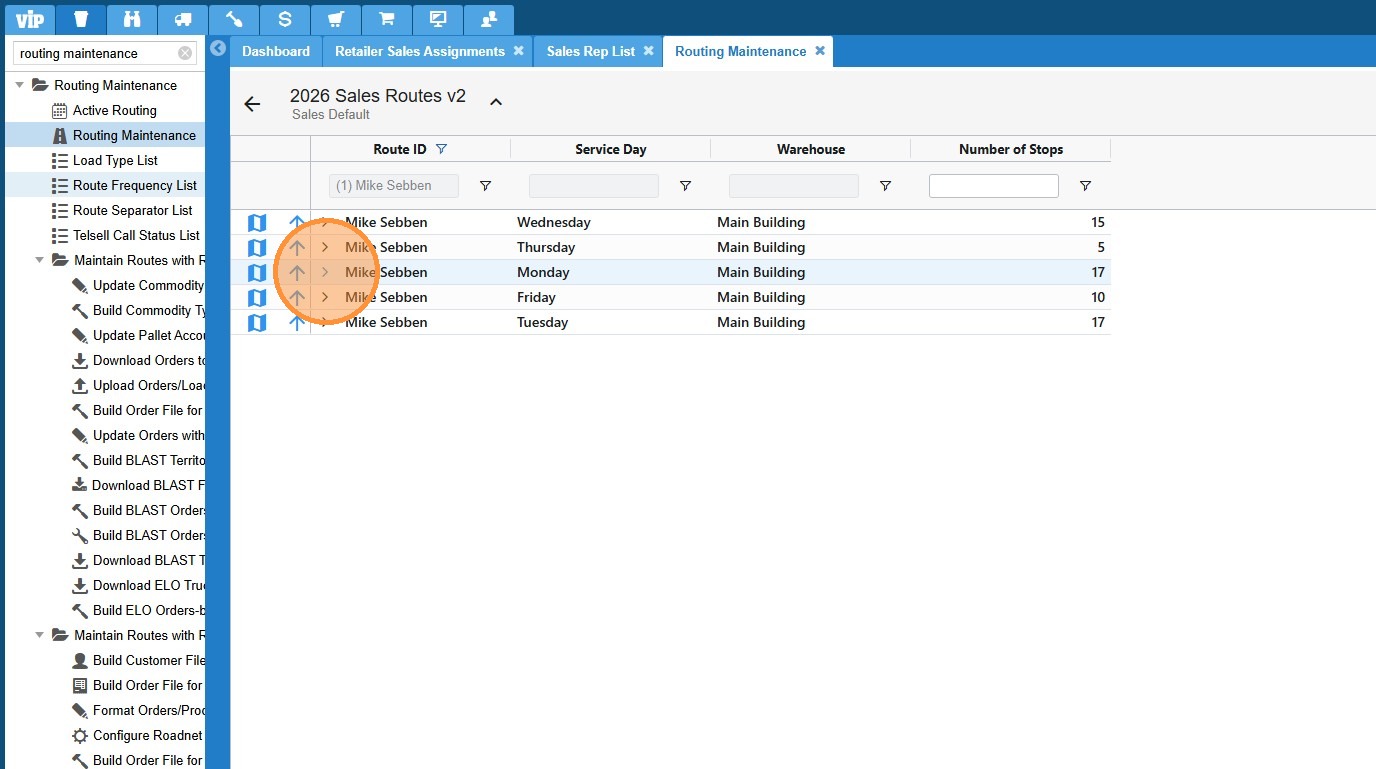
10. Find the desired day and click the arrow to expand the drag and drop sequencing menu.
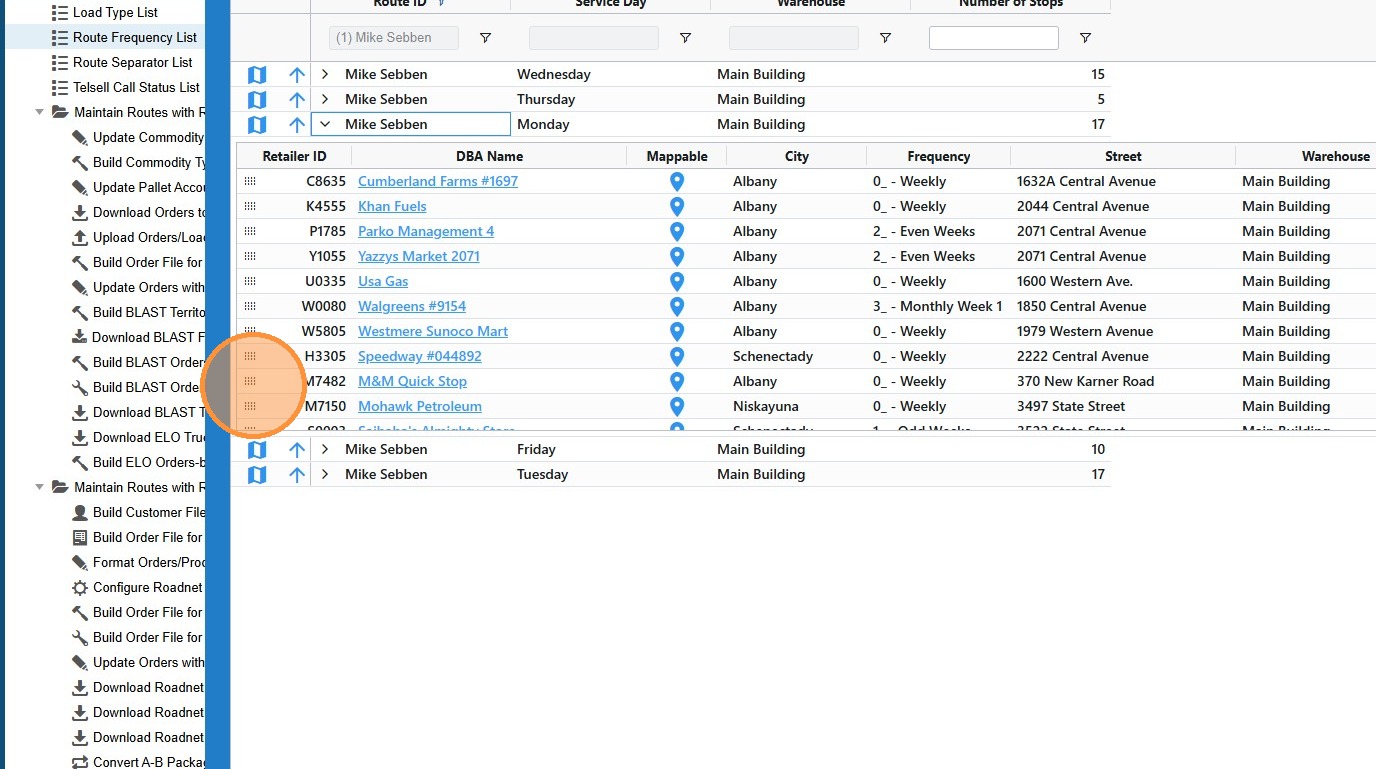
11. Drag and drop stops into the desired order. You are able to change the stop order, you can also drag a stop into another day from this screen.
12. To change call frequencies you will use the detail view in routing maintenance.
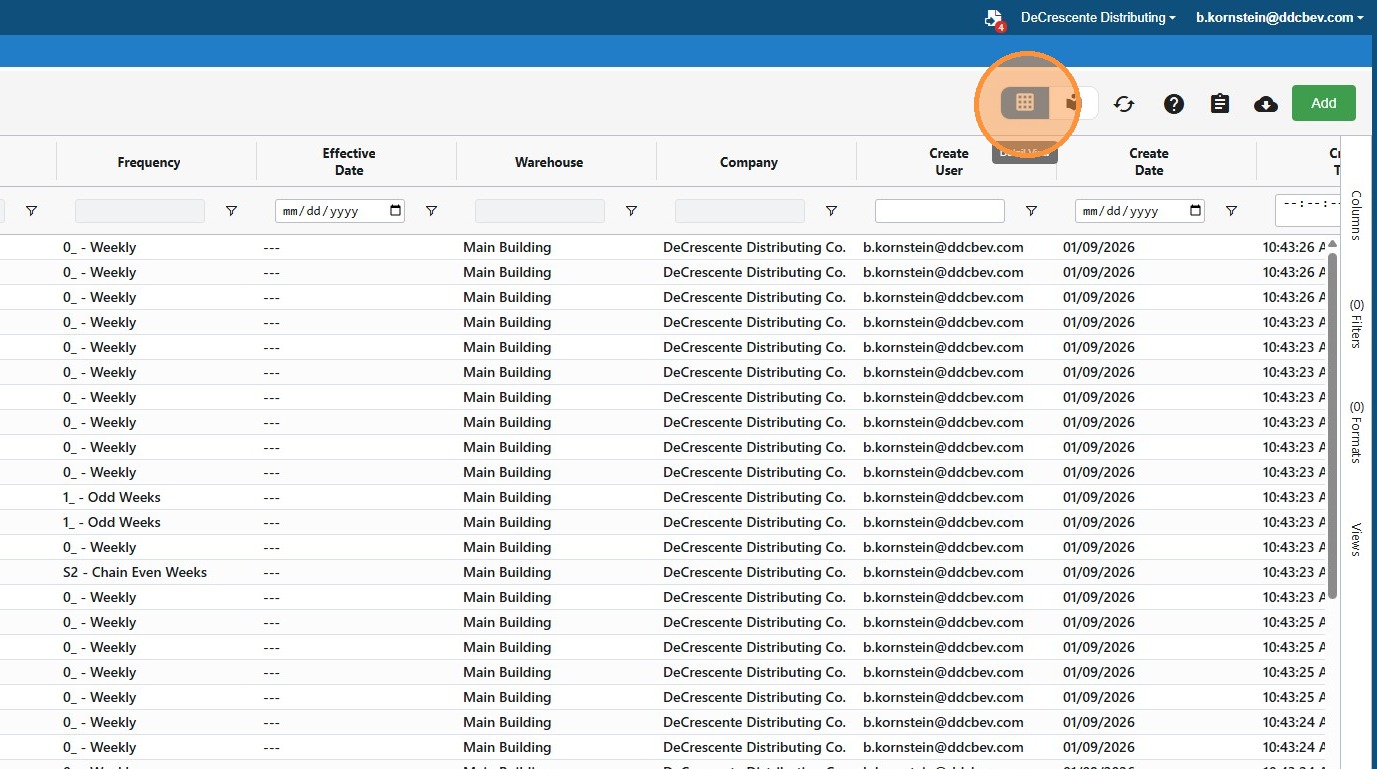
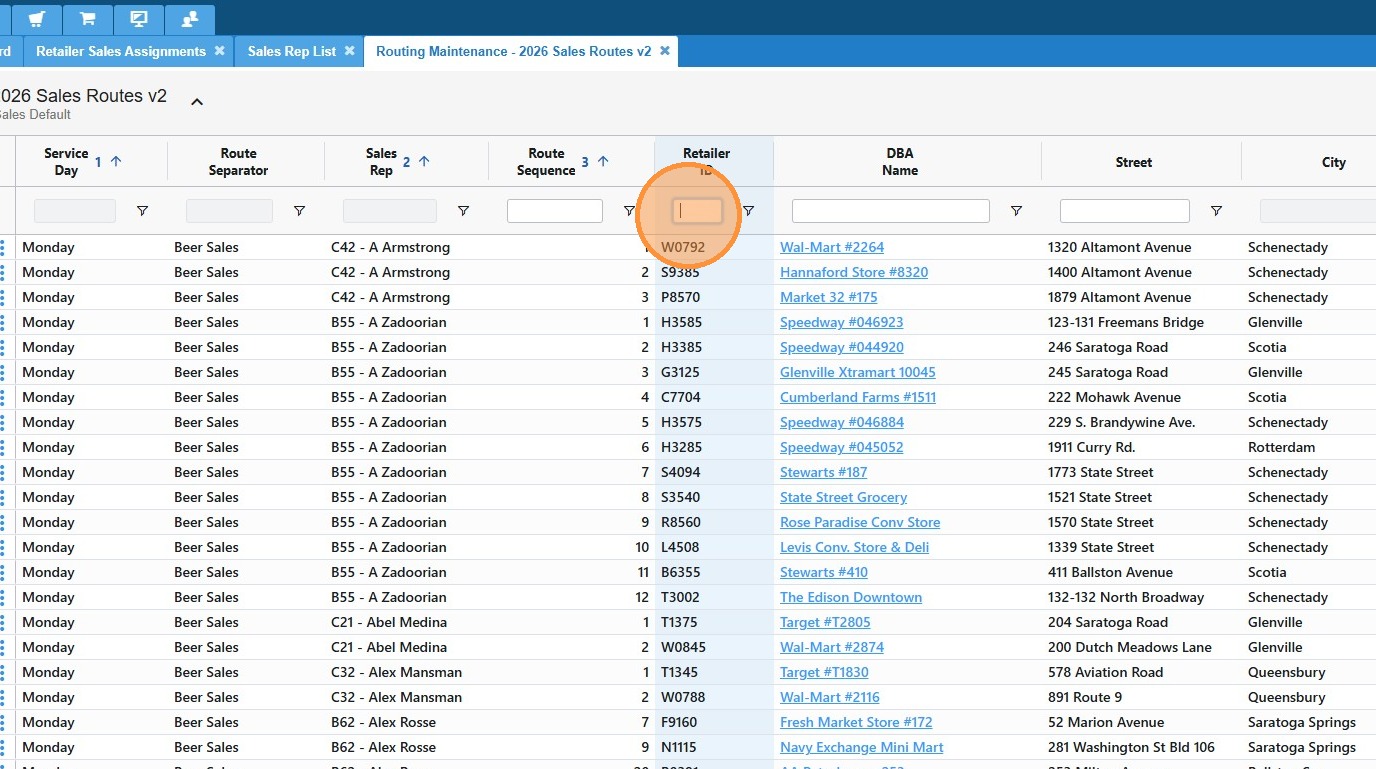
13. Use the filters and search boxes at the top to filter to the desired record.
In this view you can search by rep.
14. Or you can search by account.
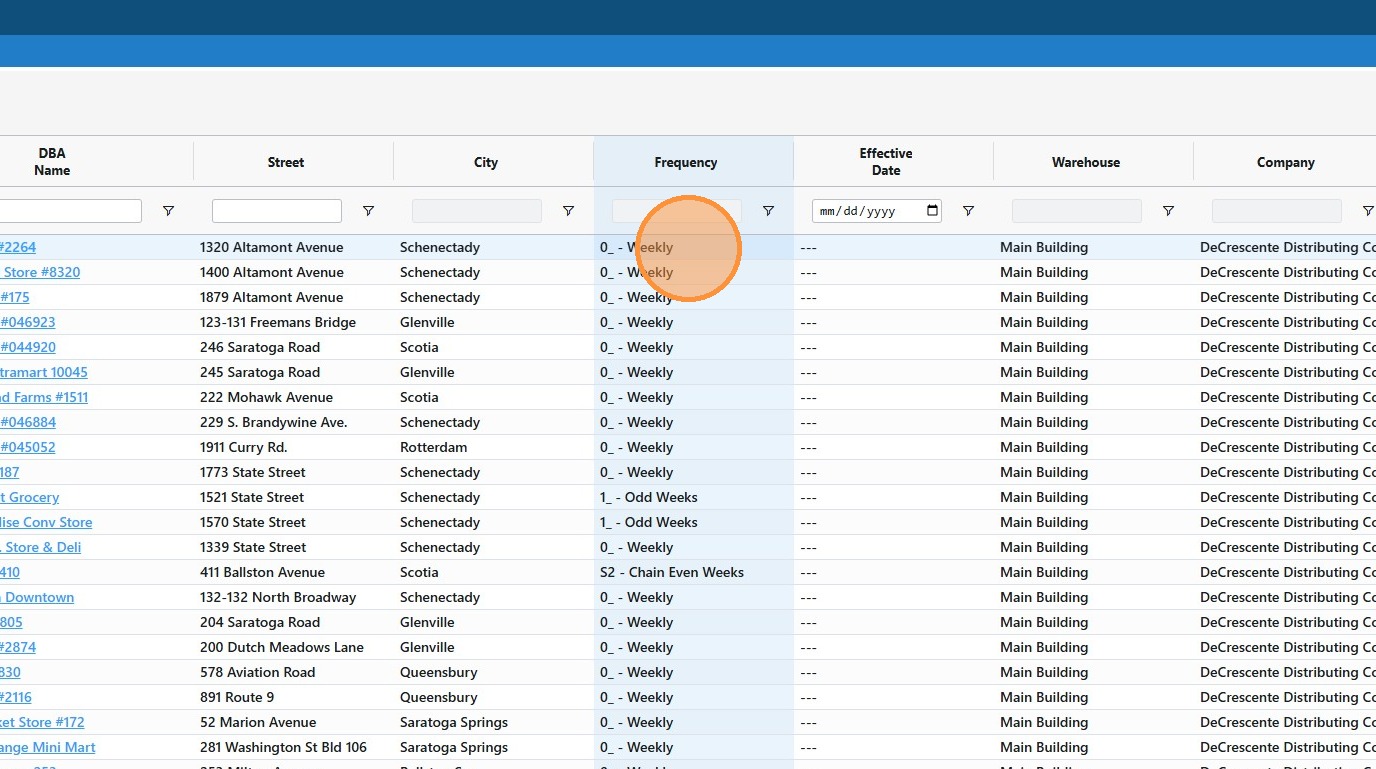
15. When you find the desired record, double click the frequency column to start editing.
16. Click the arrow to access the drop down.
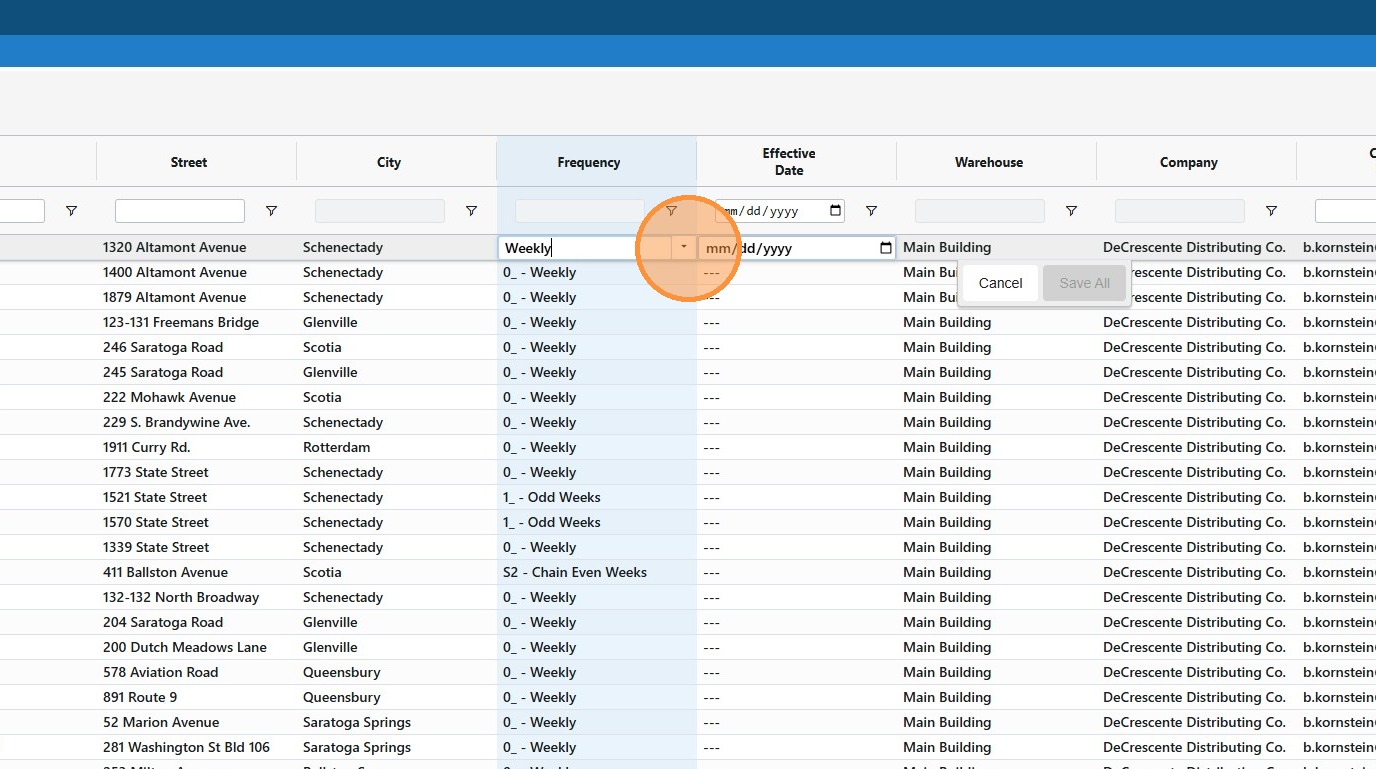
17. Select the new desired frequency.
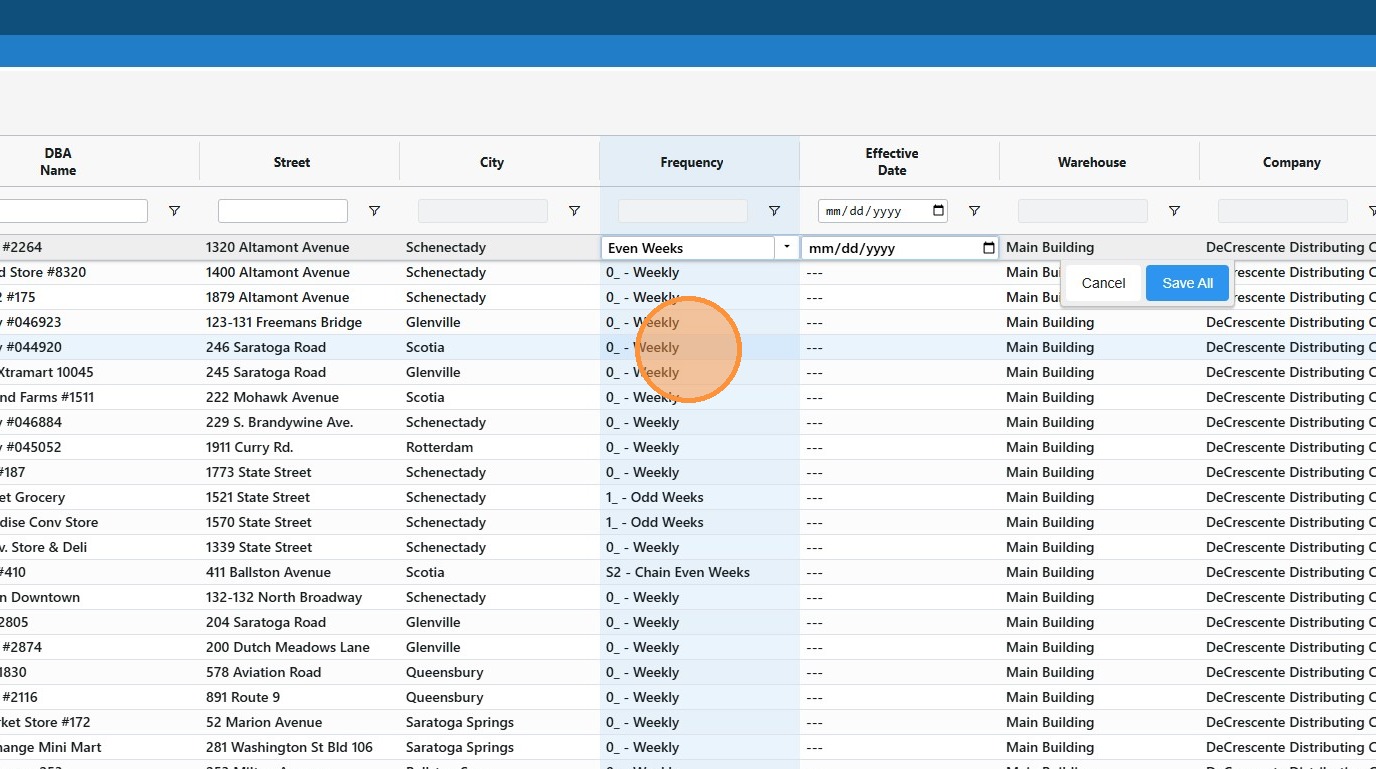
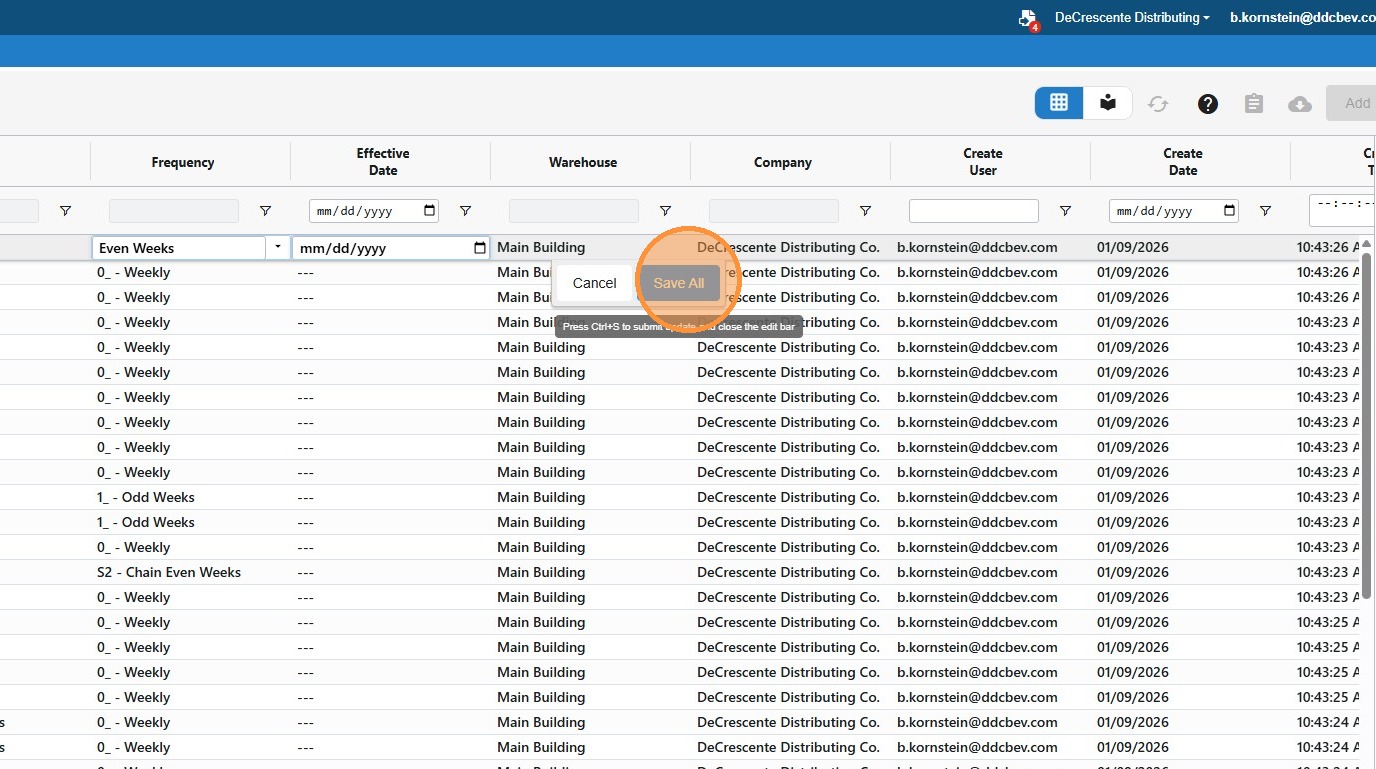
18. Click "Save All"
Made with Scribe
Was this article helpful?
That’s Great!
Thank you for your feedback
Sorry! We couldn't be helpful
Thank you for your feedback
Feedback sent
We appreciate your effort and will try to fix the article