Go to today's Dashboard
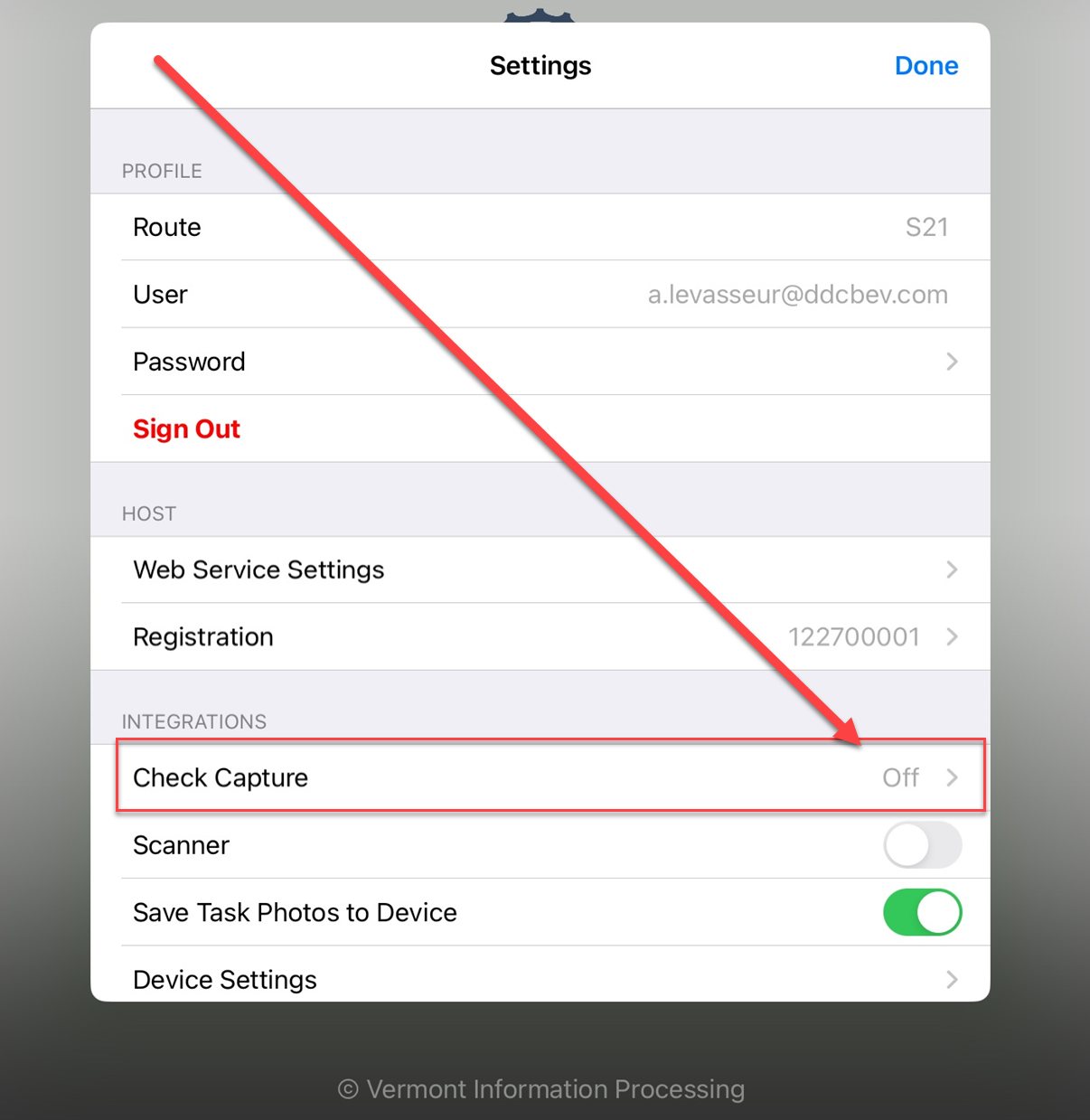
On the menu on the right scroll down and top Settings
Then Tap "Check Capture"
Click on ACH Conversion.
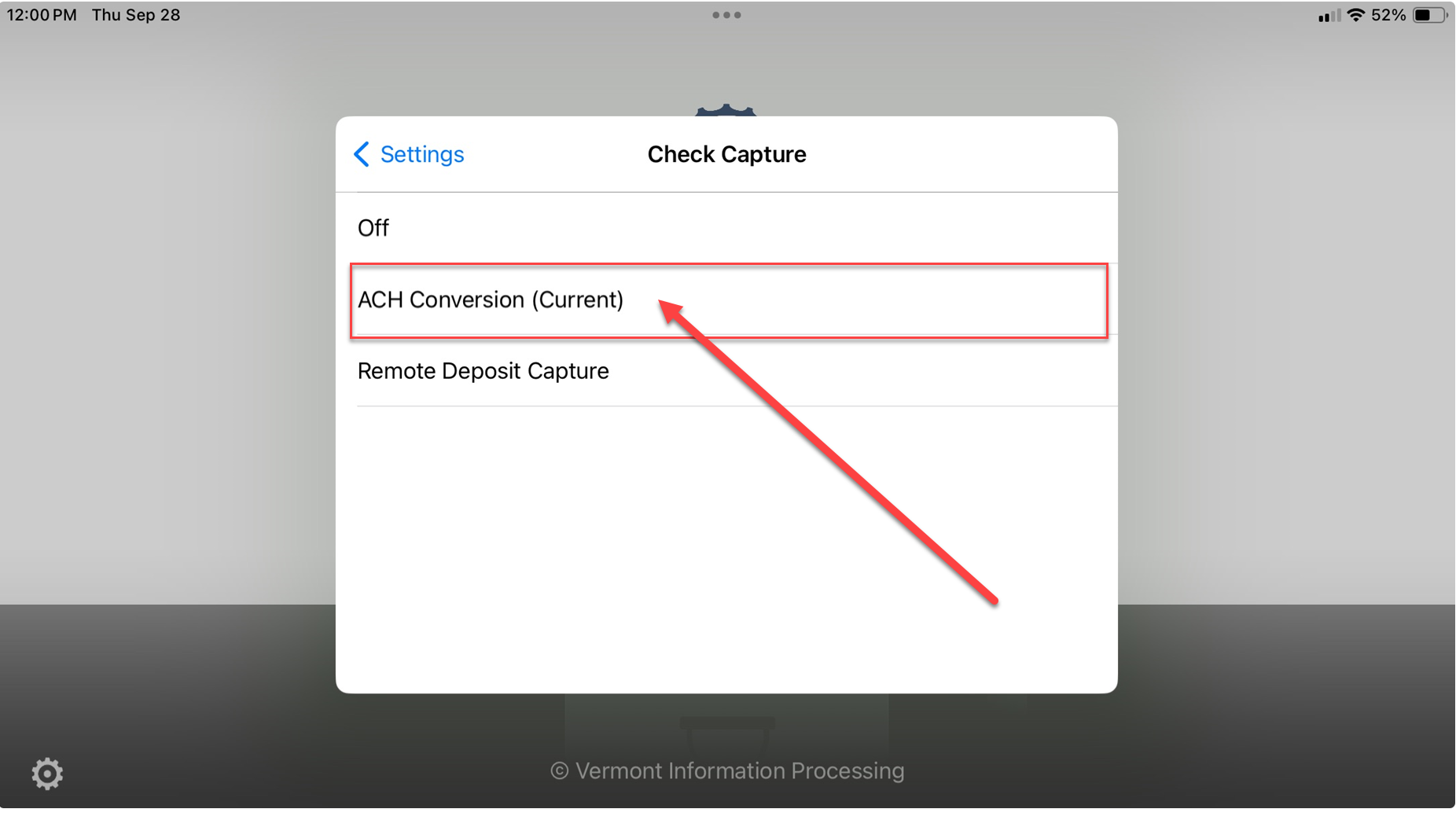
The screen will go back to the previous screen
then go back to Today's dashboard.
Once that is complete:
- Go to iPad settings
- Tap on Privacy & Security
- On the right side menu Tap Camera
- Make sure VIP Sales app is green.
Then go back to the Sales app and try to capture a check to deposit.
Was this article helpful?
That’s Great!
Thank you for your feedback
Sorry! We couldn't be helpful
Thank you for your feedback
Feedback sent
We appreciate your effort and will try to fix the article